Checking data by URL
At the moment, users have to upload their dataset to be checked.
But some local planning authorities use tools like ArcGIS to publish their data online.
So we’ve added a way for users to check their data by URL.
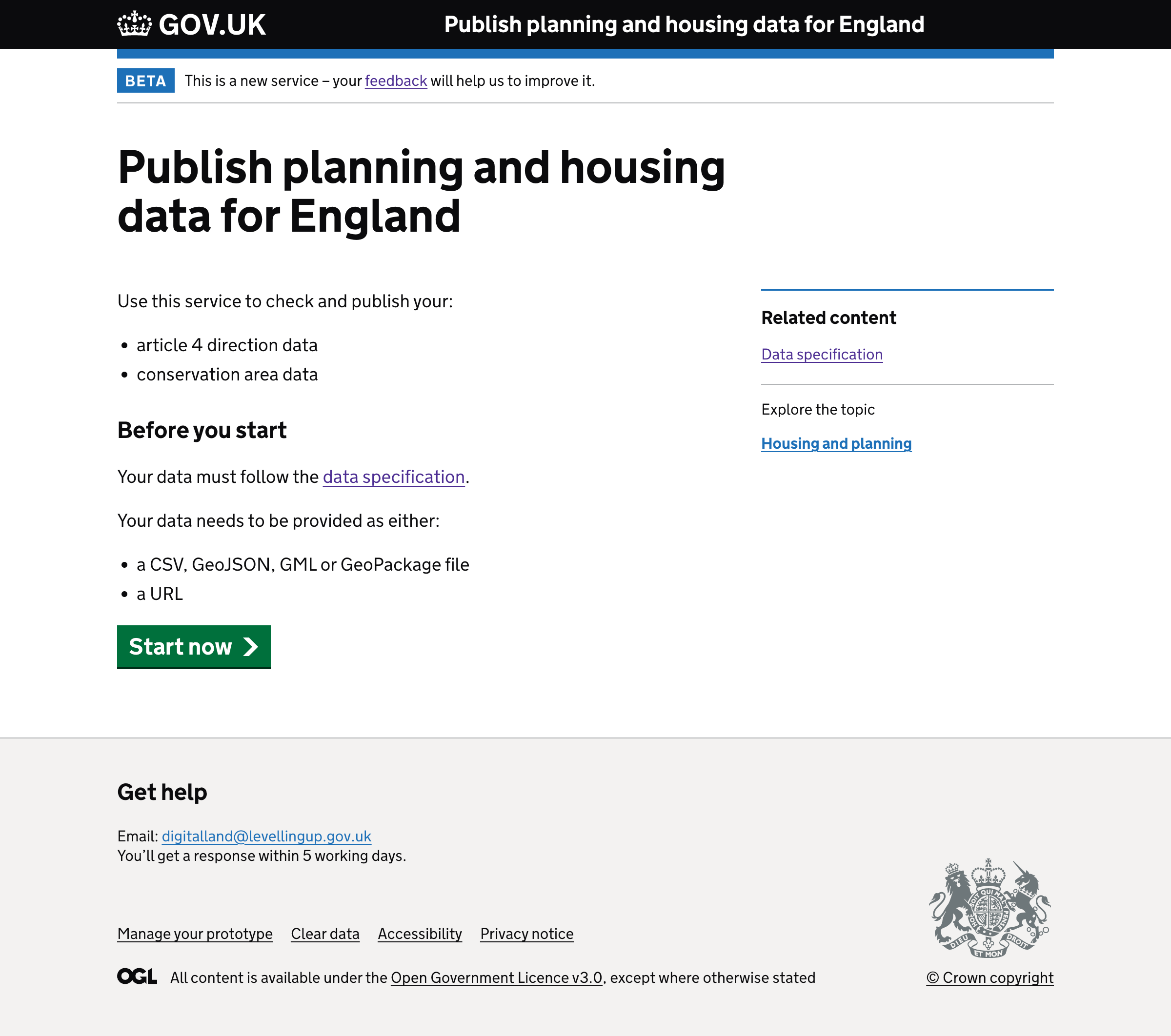
We also tell users they can do this in the start page.
How it works
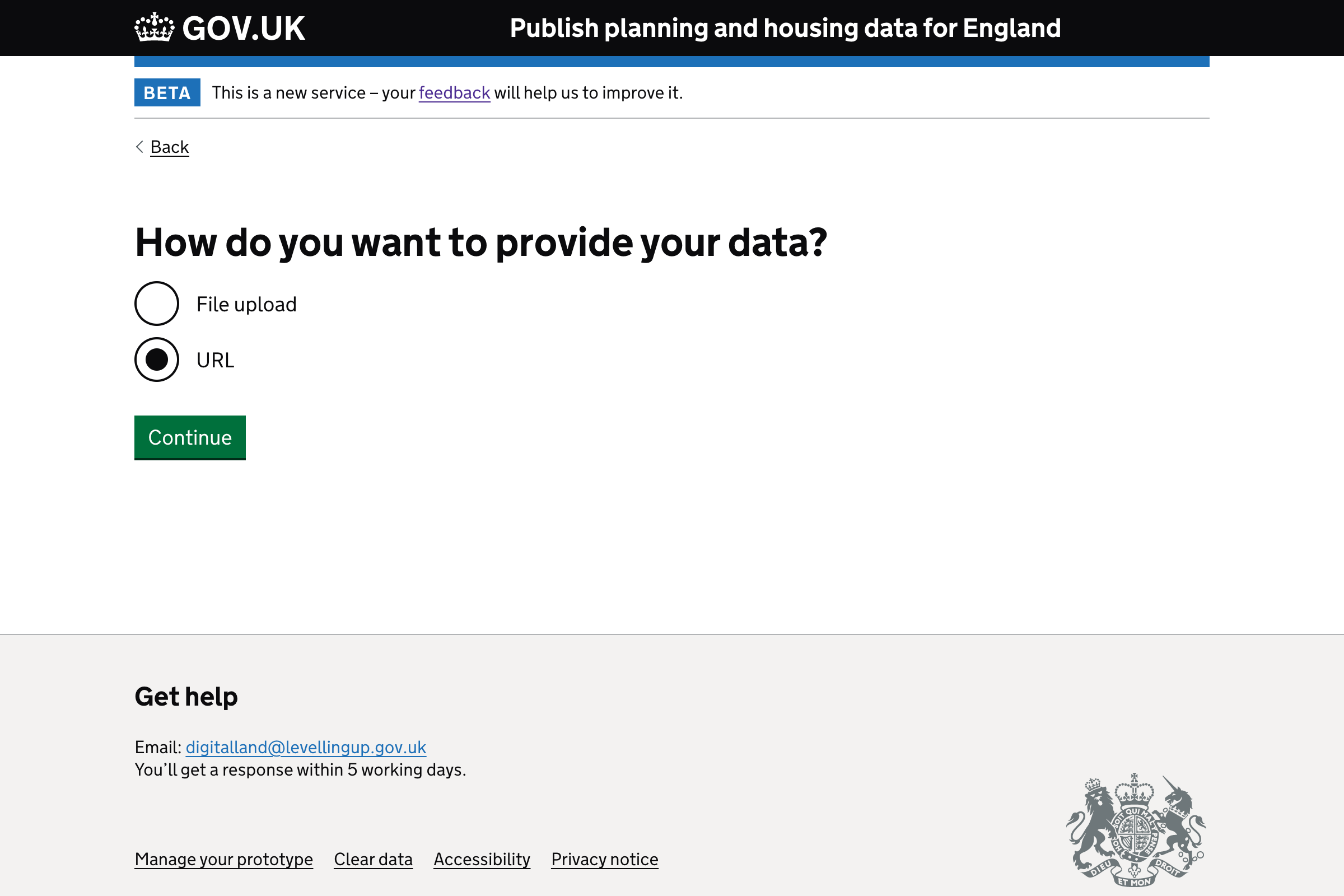
After the user selects a dataset, they’re taken to a page that asks “How do you want to provide your data?" with options for:
- File upload
- URL
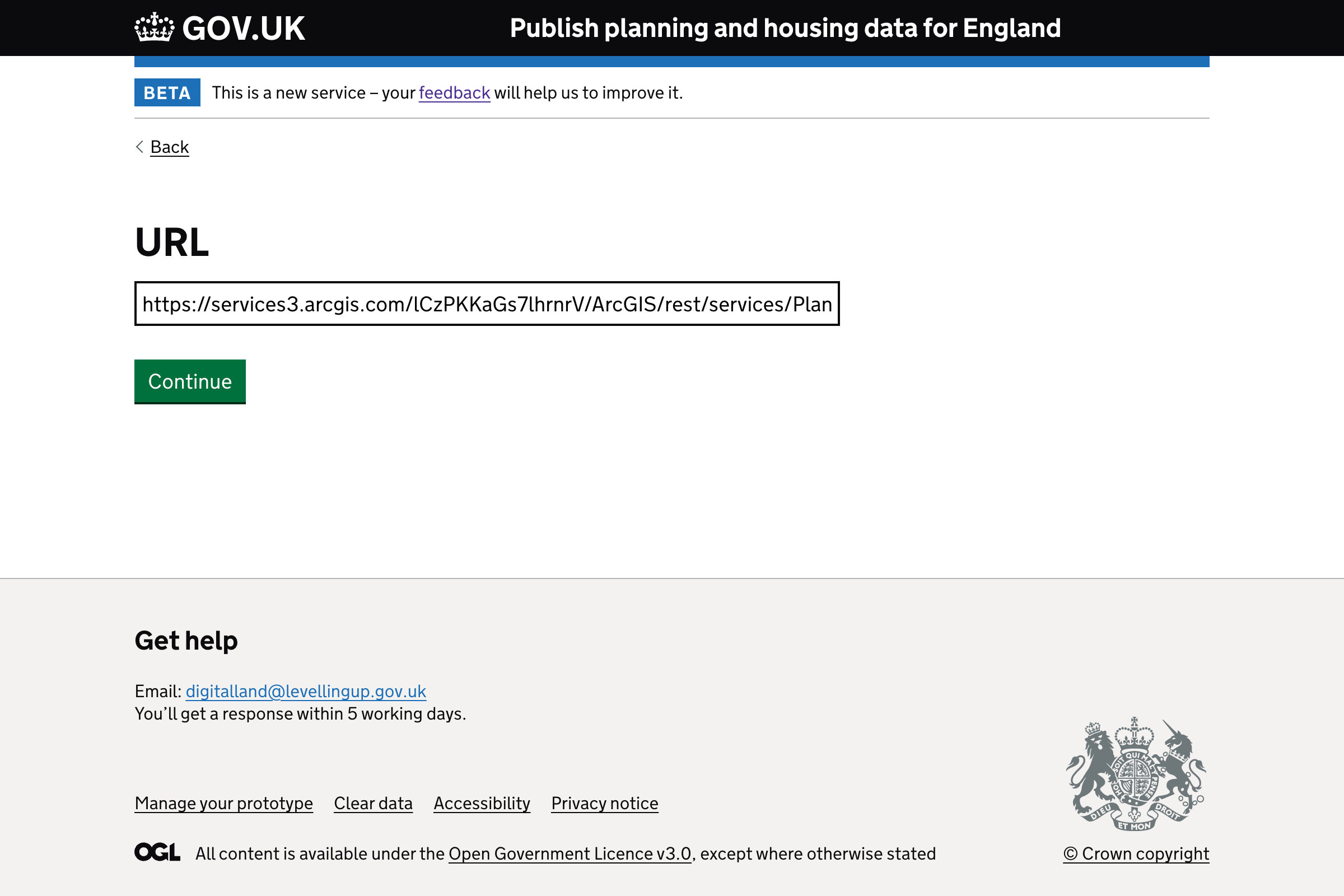
If the user selects URL they’ll be taken to a page with an input for URL.
Start page
How do you want to provide your data?
URL